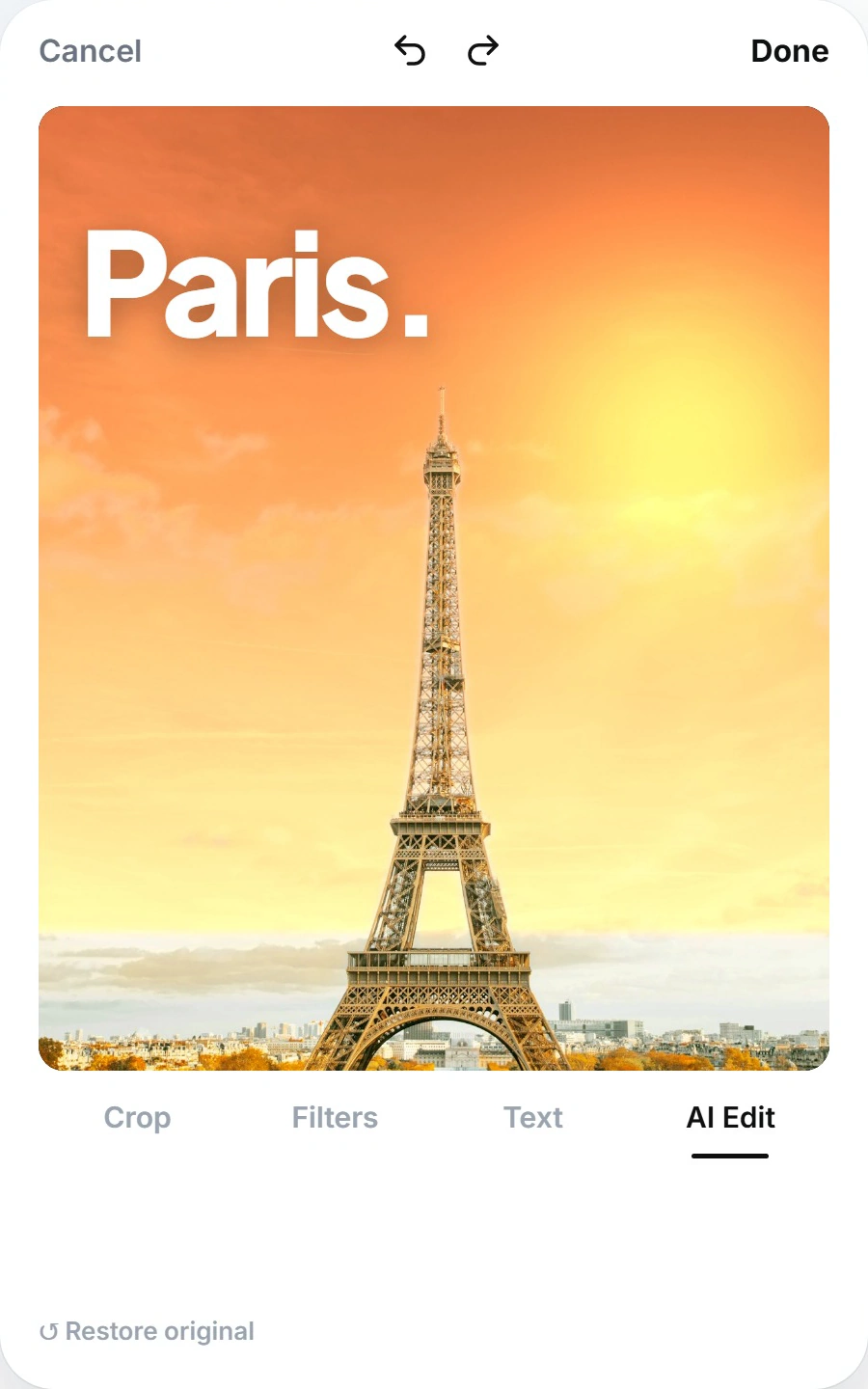
YOUR PHOTOS
Your next post
starts right here
Your next post starts with a photo or an idea in Zup. Choose a moment from your camera roll and turn it into a caption you can edit.

Zup is a free iPhone app that turns photos and ideas into posts that sound like you.

YOUR PHOTOS
Your next post starts with a photo or an idea in Zup. Choose a moment from your camera roll and turn it into a caption you can edit.

MAKE IT YOURS
Every moment can become a post with photo editing, caption tones, and previews for your favorite platforms.
PHOTOS
Turn moments you love into words you can edit before sharing.
YOUR VOICE
Choose a playful or heartfelt tone and make the draft your own.
PLATFORMS
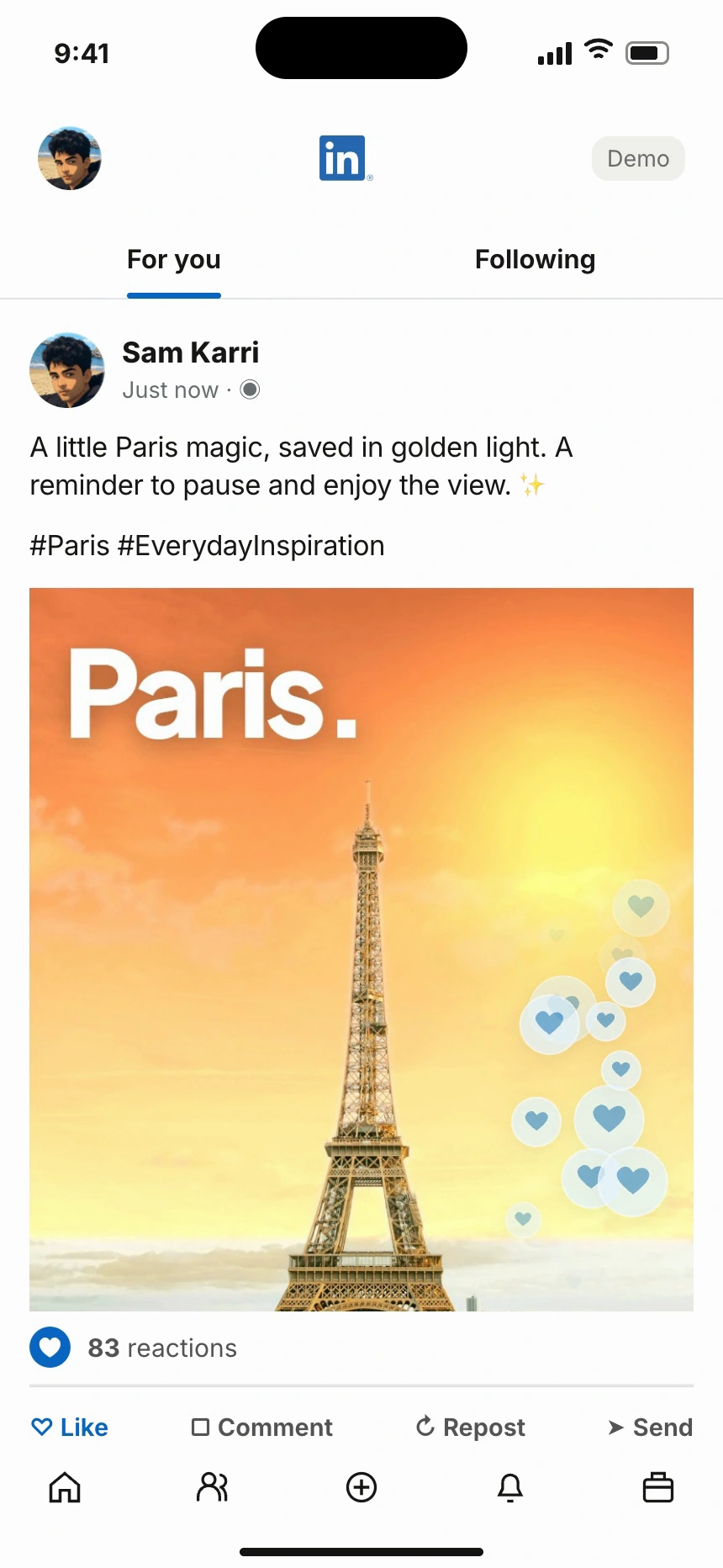
Your post gets a platform preview before you choose to share it.
ALWAYS IN YOUR HANDS
Your final say matters: Zup shares a post only after you confirm it, immediately or at your scheduled time.
MORE MOMENTS, SHARED
Zup helps you edit photos, find your voice, and share moments after reviewing every post.
Make everyday moments worth sharing with an editable caption from your camera roll.
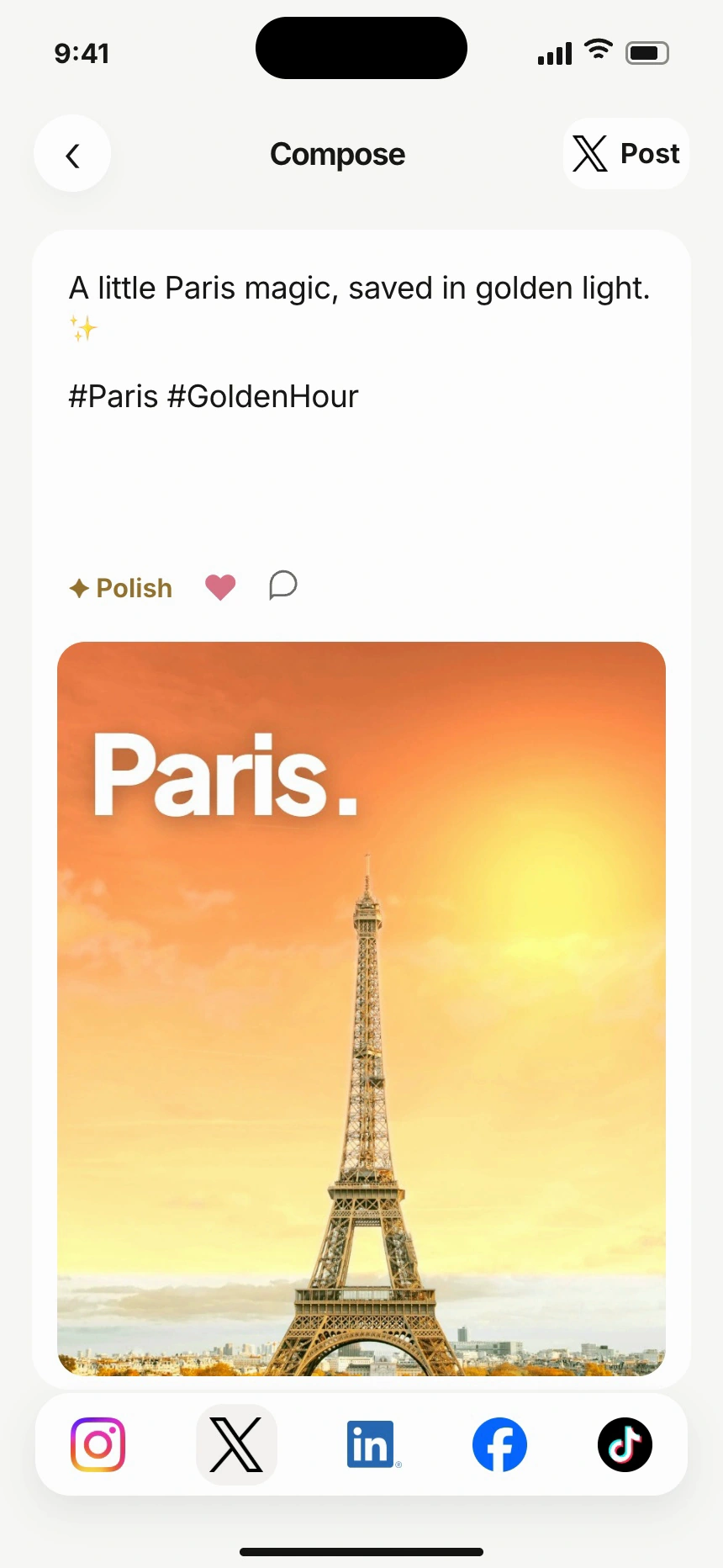
Find your words with a draft you can edit and make your own.
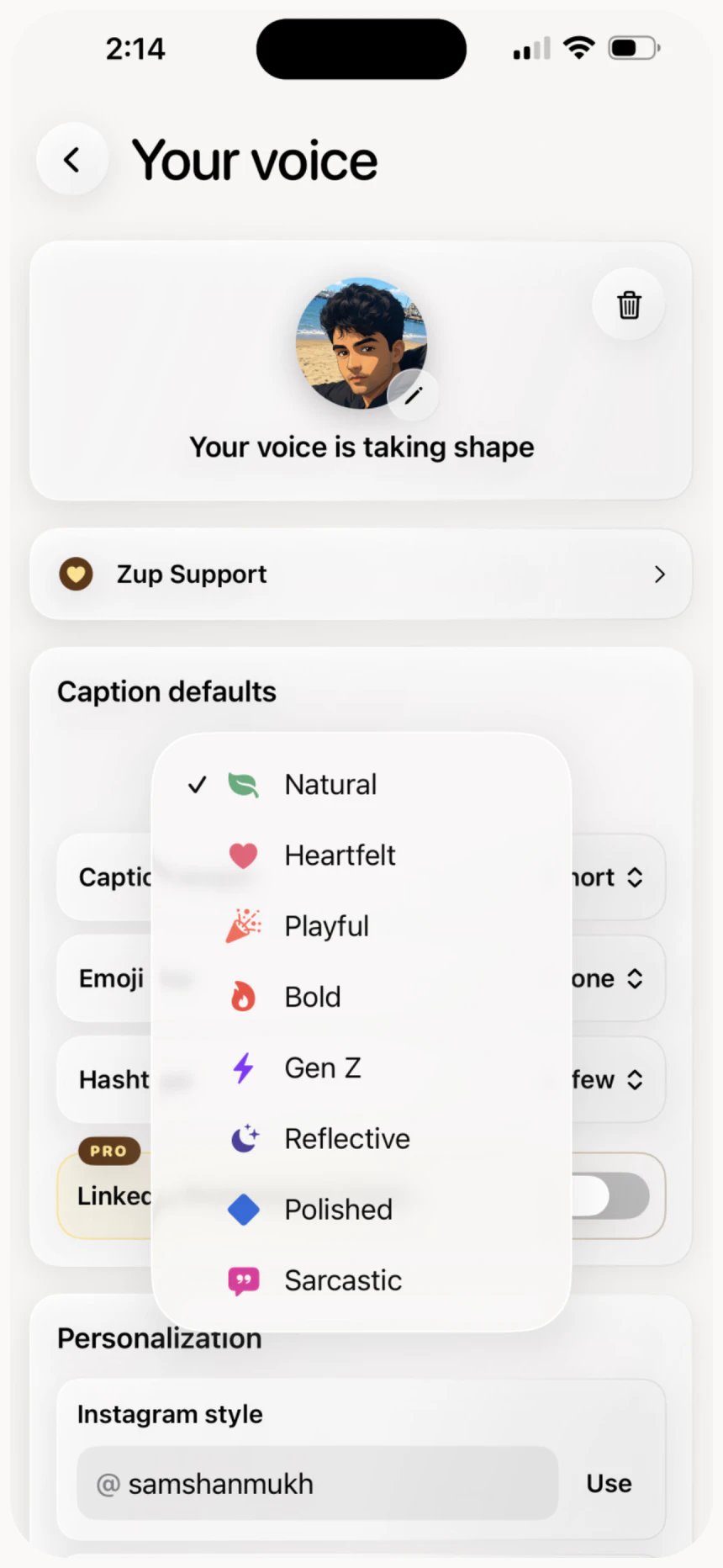
Bring your own personality with 6 tones and your writing preferences.
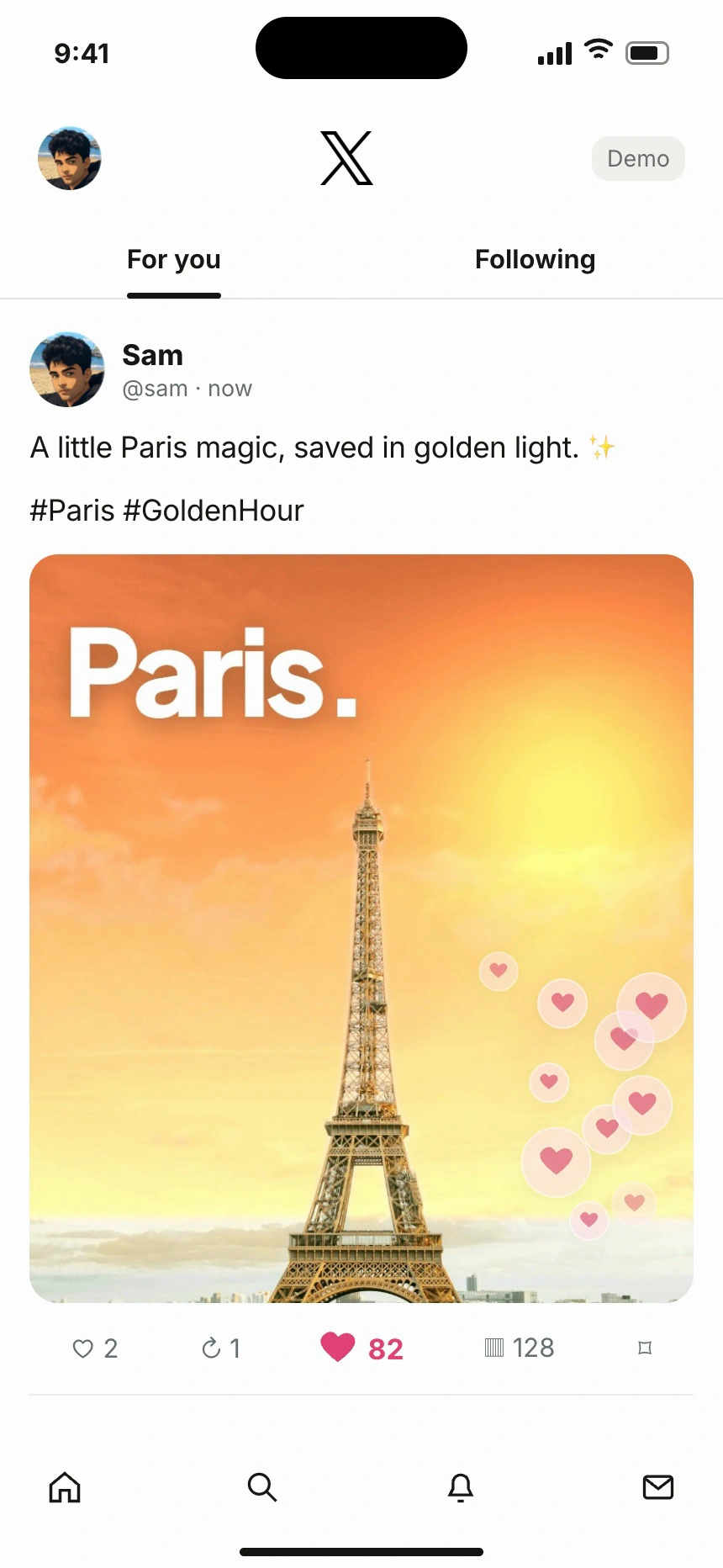
See your post in a platform preview before you share it.
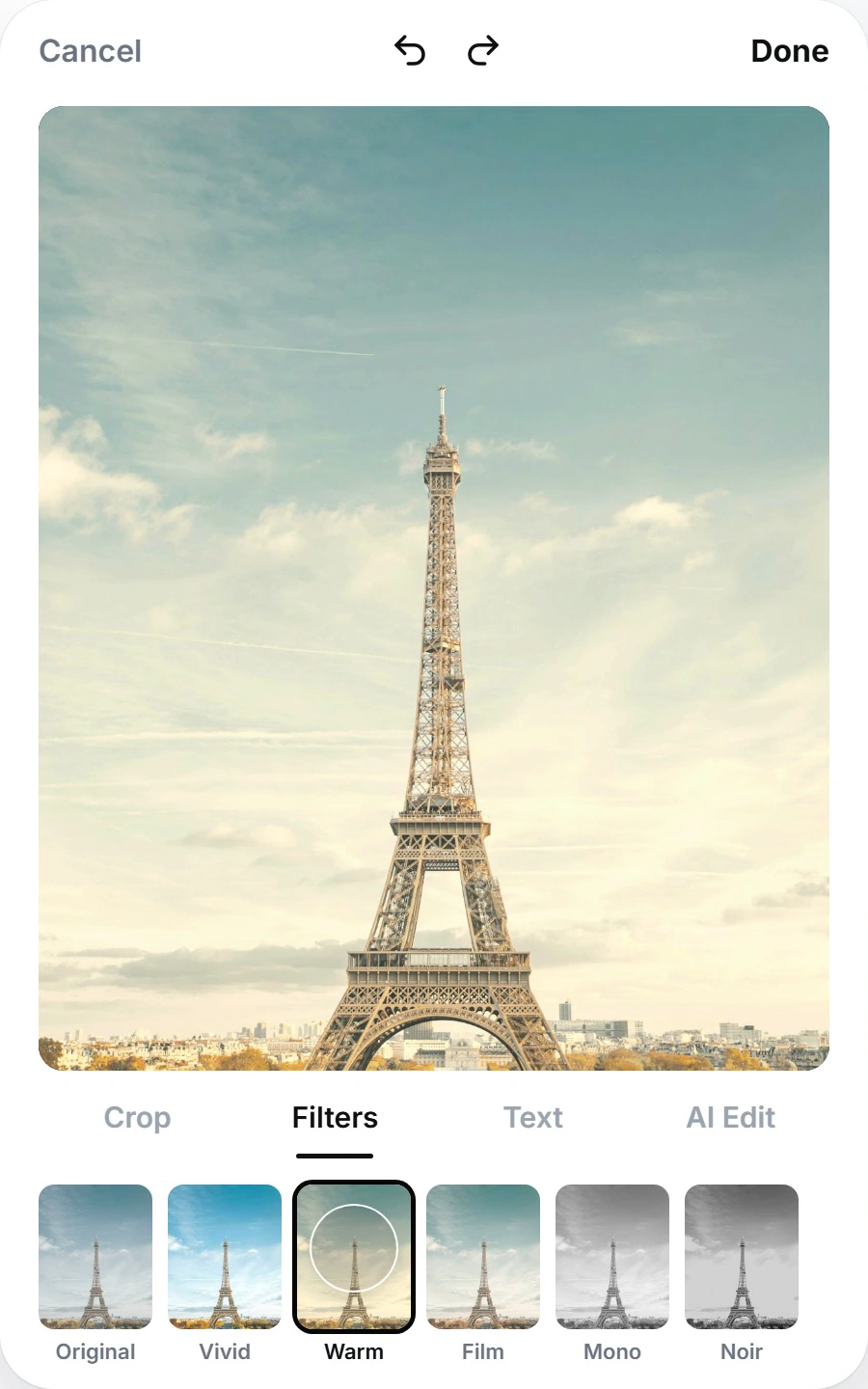
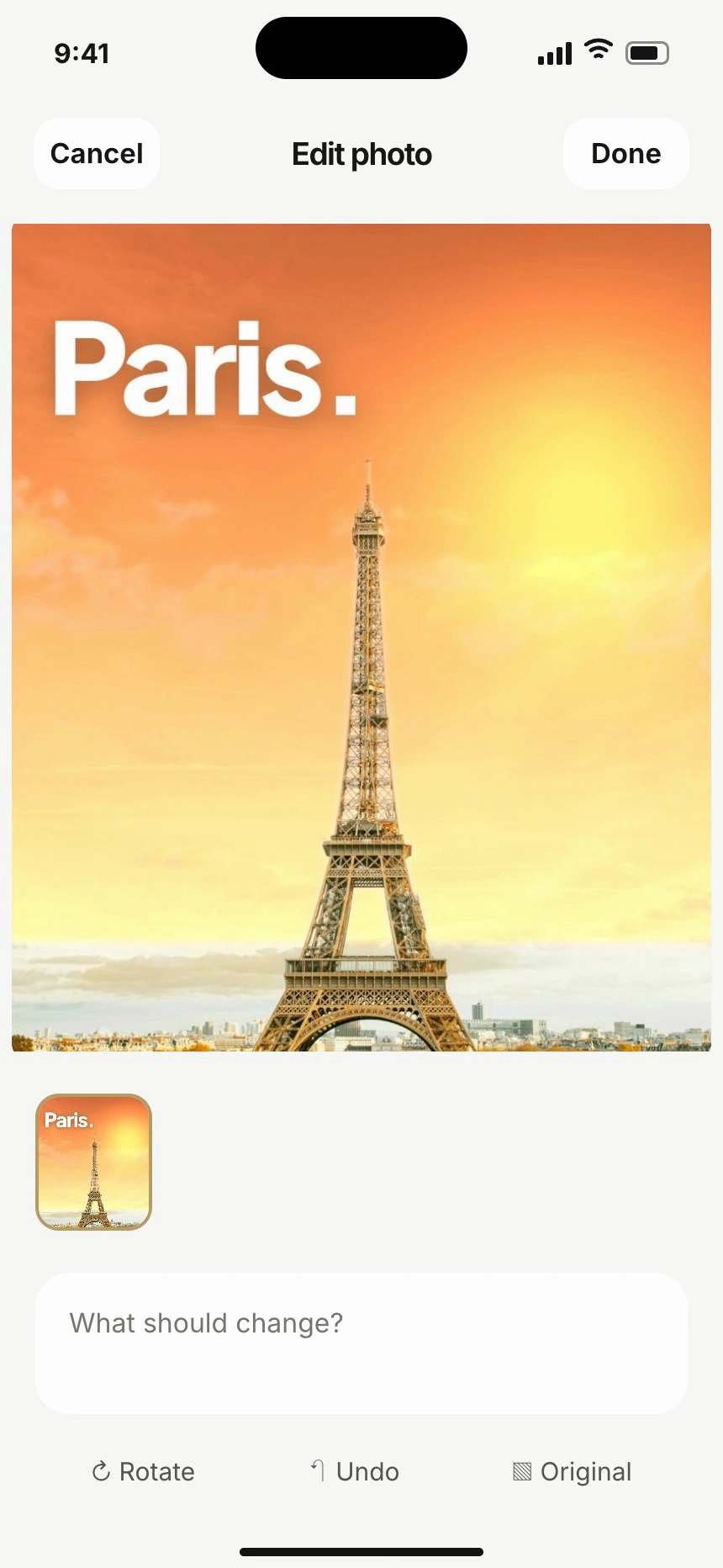
Give every photo a finishing touch while keeping the original safe.
Share when it feels right, or schedule X and LinkedIn posts ahead of time.
Feedback from people who tried Zup, verified by IndieAppCircle.
People using Zup have shared these ratings and reviews on the US App Store.
US App Store, checked . Read the App Store reviews.
“I also love being able to quickly adjust the tone depending on where I’m posting.”
Zup is a free iPhone app for turning photos and ideas into social posts you can edit, preview, and share.
Start in 2 ways: choose a Moment from your photos or write a Thought. Pick from 6 tones—Natural, Heartfelt, Playful, Bold, Storytelling, and Polished—and adjust the draft to your voice. Zup costs $0 to download and use; optional tips do not unlock features.
The App Store listing confirms iPhone compatibility, supported platforms, scheduling, and the current release. For account requirements and sharing options, read Zup’s caption and sharing support.
Zup’s caption limits keep drafts within the app’s supported length for each destination. These are Zup’s limits; a network may allow longer posts in its own app.
Product limits checked . Read the posting requirements.
| Destination | Draft limit |
|---|---|
| X | 280 weighted characters |
| 2,200 characters | |
| TikTok | 2,200 characters |
| 2,200 characters | |
| 5,000 characters |
Zup questions about pricing, compatibility, captions, scheduling, and privacy are answered below.
Zup turns a photo or an idea into an editable social post on iPhone. Start with a Moment or a Thought, generate a caption, edit your photo, and preview the result before sharing.
Zup is free to download and use, with no subscription. Optional one-time tips support development and do not unlock extra features.
Zup requires iOS 18.0 or later on iPhone. The App Store lists version 1.30 at 54 MB as of October 30, 2026; download size can vary by device.
Zup prepares posts for 5 platforms: Instagram, TikTok, X, LinkedIn, and Facebook. Direct publishing requires a supported connected account; iPhone’s share sheet provides another way to share.
Zup schedules posts for 2 platforms: X and LinkedIn. Choose a date and time, review the post, and confirm. Scheduled posts can publish while the app is closed.
Zup accepts scheduled times from 10 minutes to 30 days ahead, within your connected account’s validity. Each installation has space for 20 pending scheduled posts across X and LinkedIn. Cancel a pending post to free a slot.
Cancel a scheduled post before publishing begins, or disconnect that platform to cancel its pending posts. Zup removes the stored caption and photo copies after cancellation or a final publishing result. A minimal status record is retained for 7 days or less.
Zup captions remain editable before you share them. Change the words, choose another tone, and set your preferred length, emojis, and hashtags. You make the final call.
Zup publishes only after your confirmation, immediately or at the time you schedule. Creating a caption or saving a draft does not publish it to a social network.
Zup asks permission before sending selected content to hosted AI services. Unscheduled drafts stay on your device; scheduled captions and photos are stored encrypted on Zup’s server until cancellation or a final publishing result.
Read how Zup processes photos and caption data, the steps to delete your Zup data, and the Zup terms of use for the full details.
Zup’s independent founder is Sanmukh Sain Karri, a solo, self-funded maker who began building Zup as a side project in April 2026.
Questions and feedback go directly to the maker. Zup is operated by Sanmukh Sain Karri, doing business as Zup Apps.
Contact Zup by email for app support or a privacy request.
[email protected]App support and feedback
[email protected]Privacy and data requests
Feedback from people who tried Zup, verified by IndieAppCircle.
Turn a photo into a post with Zup, free on iPhone with iOS 18.0 or later.
 Download app